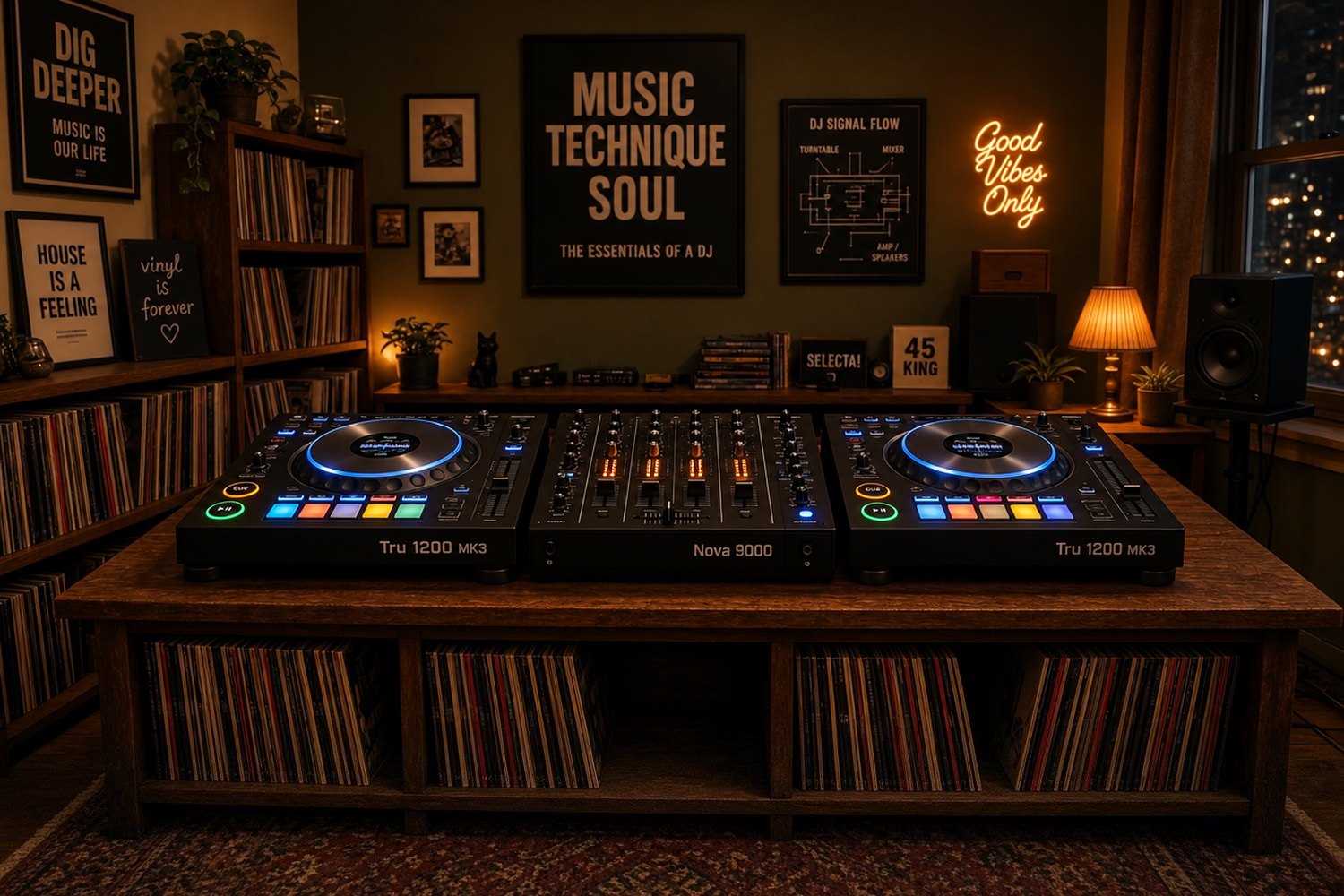
Tap a Tru 1200 MK3 or the Nova 9000 to step up · the crates open your library · explore the room · ? keys
| TITLE / ARTIST | BPM | KEY | TIME | SIZE | LOAD |
|---|
| TITLE | BPM | KEY | TIME | ADDED | LOAD |
|---|
| A | B | C | D | |
|---|---|---|---|---|
| Start/Stop | Z | M | Q | P |
| Nudge − / + | X / C | , / . | W / E | I / O |
| Sync | S | K | A | L |
| Tap tempo | D | J | R | U |
| Pitch − / + | F / G | N / B | T / Y | [ / ] |
| Hot cues 1–4 | 1 2 3 4 | 7 8 9 0 | Shift+key clears | |
| 4-beat loop | 5 | 6 | ||
| Key lock | Shift+Z | Shift+M | ||
Nova 9000 mixer: ← / → crossfader (Shift = center) · ↑ / ↓ master · Alt+1–4 headphone CUE · Shift+S split cue · Shift+R record mix.
Tru Beat (CH3 · BEAT): Shift+B play/stop · Shift+1–8 sampler pads · Shift+Q pad quantize · Shift+P next preset pattern.
Mic (CH4 · MIC): Shift+V mic on/off · Shift+T talkover (ducks other channels ≈10 dB while you speak). Monitoring is off by default — use headphones before turning it on.
Sample (MIC panel): Shift+X or REC records the mic from the next beat for 1/2/4/8 beats or free length (PRINT FX records with the voice FX). LOOP plays the take beat-synced on CH3 or CH4; ASSIGN TO PAD puts it on a Tru Beat pad with its own FX. Long-press a pad to change its FX, clear it or restore the default. Samples are saved in this browser.
Beat FX: V on/off · H effect type · Shift+H channel (1–4, M) · ; / ' parameter · − / = level.
Other: ` crate · Esc back to room · ? this help. Drag the platter to scratch; long-press a hot cue pad to clear it.
Drag an MP3 / FLAC / WAV onto a deck, or click LOAD. Files never leave your browser.